

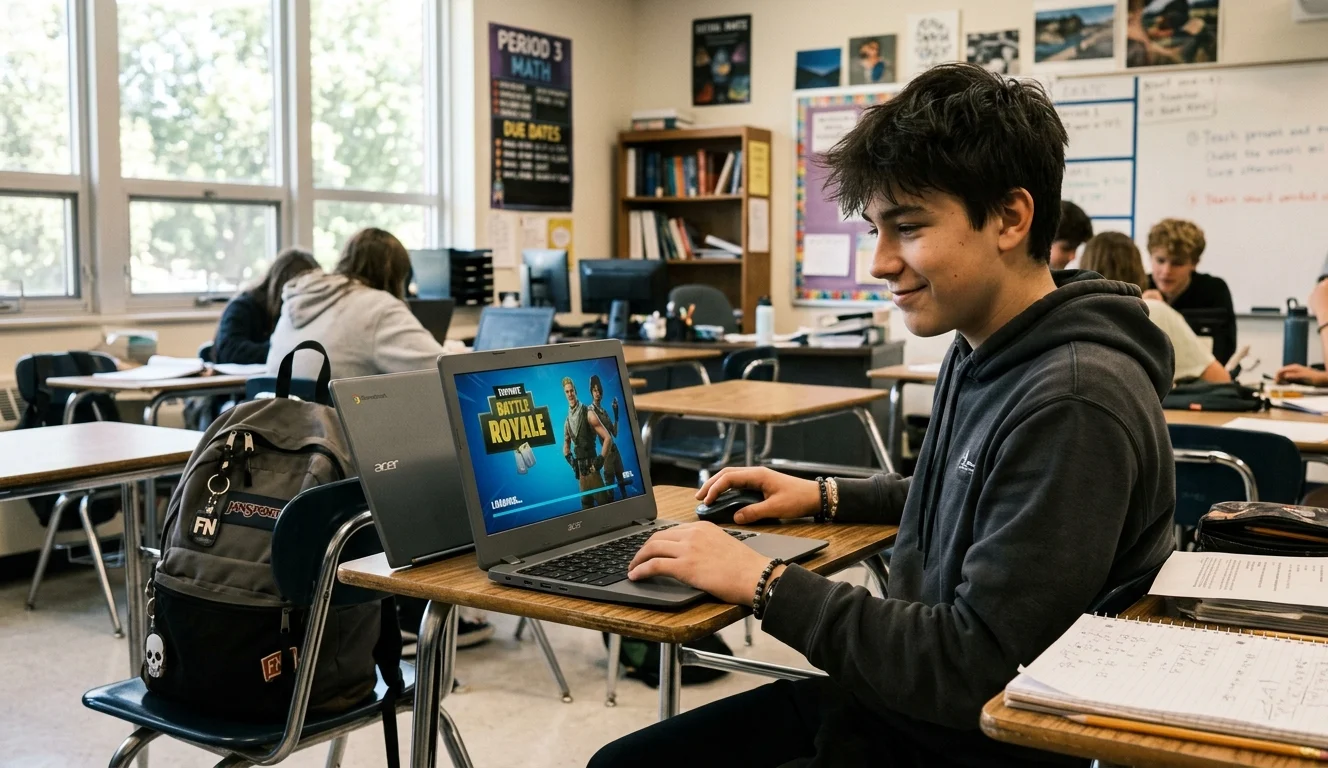
Look, I get it. You’ve got 20 minutes between classes and your school’s WiFi is blocking Fortnite like it personally offended the IT department. Been there. Talked to thousands of people in my chat who’ve been there too.
The good news: the block isn’t as solid as it looks. Schools filter traffic, they don’t own your options entirely. Here’s what actually works in 2026.
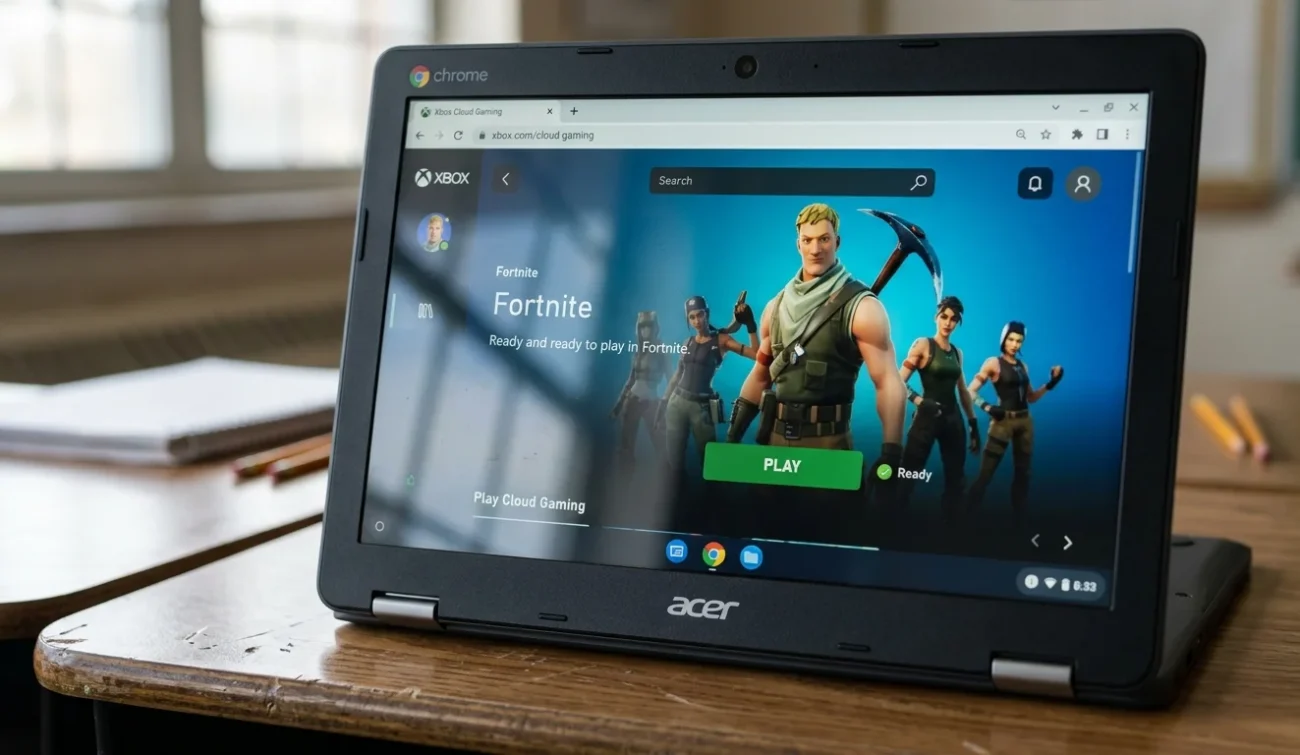
The Fastest Fix: Xbox Cloud Gaming
Go to xbox.com/play in your school browser. Sign in with a free Microsoft account. Search Fortnite, hit Play.
That’s it. No download, no install, nothing flagged. The school filter sees browser traffic, not game traffic. Works on Chromebooks, locked-down PCs, anything with a decent browser. Fortnite is free on the platform so you don’t need a Game Pass.
Latency depends on your school’s wifi quality. Most of the time it’s totally playable.
If That’s Blocked Too: Now.gg
Same idea, less setup. Head to now.gg, find Fortnite, launch it. No account needed, runs straight in your browser.
The free tier gets congested during peak hours so expect some input lag. Fine for casual play, frustrating if you’re trying to sweat ranked. But as a quick fix it’s hard to beat for speed of access.
The Nuclear Option: Your Phone’s Hotspot
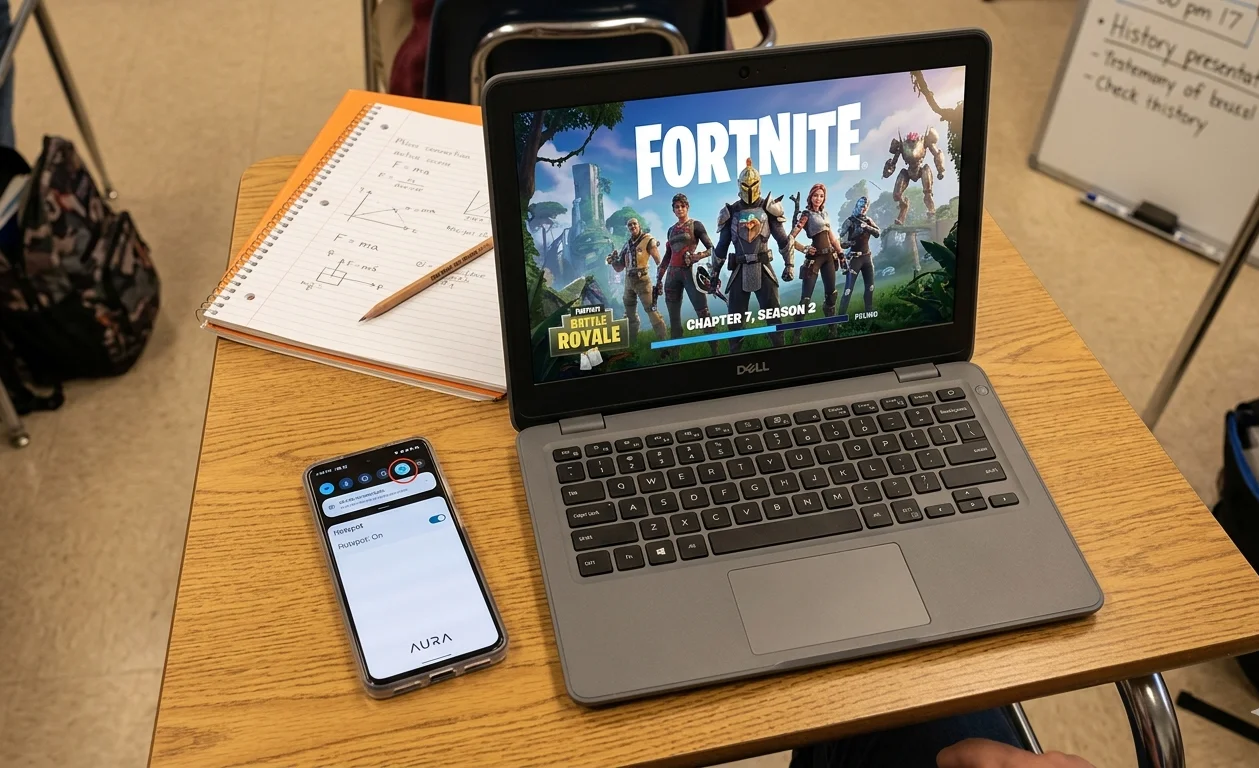
Tether your device to your phone’s mobile data. The school filter only controls the school network. Your cellular connection is completely invisible to it.
Burns roughly 100MB per hour, so keep an eye on your data cap. And yes, some schools have rules against hotspotting on school-issued devices. Worth knowing before you try it.
What About VPNs?
Honestly? Mixed results in 2026. Most school networks actively block VPN traffic now, especially on managed Chromebooks where you can’t install extensions freely. The methods above are more reliable and faster to set up.
If you’re on a personal device and want to try one, NordVPN and ExpressVPN are the two worth considering. Free VPNs are almost universally garbage for gaming, slow speeds and sketchy data practices.
If your school’s Fortnite server issues go beyond just access and you’re hitting connection errors even at home, we’ve covered that separately in our Fortnite servers not responding fix guide and the Fortnite matchmaking error guide too.
The Part Nobody Mentions: What Actually Gets You Caught
Here’s something most guides skip. Using these workarounds on a school-issued Chromebook is a different situation than using them on your personal laptop. School-managed devices run MDM software, basically remote monitoring that logs what you’re doing. Xbox Cloud Gaming slips through because it looks like a website. A VPN on a managed Chromebook? The IT admin can see the traffic pattern even if they can’t see the content. That’s usually enough to flag it.
Personal device on school wifi is a middle ground. The network sees your traffic but can’t touch your device. Hotspot on your personal device? They see nothing at all.
Know which situation you’re in before you pick a method. It changes everything.
When the Season’s Running Out and You’re Behind on the Battle Pass
This is where the unblocked access actually matters beyond just killing time. Chapter 7 Season 2 ends June 5th. If you’re grinding XP between classes, every session counts. Xbox Cloud Gaming is genuinely good enough for completing quests and doing XP maps, even with slight latency. You’re not going to win a tournament through a school browser stream, but finishing weekly challenges? Absolutely doable.
Speaking of XP grinding, the Fortnite matchmaking error fix is worth bookmarking separately. Nothing worse than finally getting access and then hitting a matchmaking wall.
One Thing Worth Saying Directly
Playing Fortnite during class isn’t something I’m going to tell you to do. During a break, between periods, lunch? That’s your time. But getting your device confiscated or your account flagged isn’t worth a few rounds of battle royale. Use common sense about when and where you pull this up.
Bottom Line
Three options that actually work: Xbox Cloud Gaming at xbox.com/play is the cleanest, now.gg is the fastest, your phone’s hotspot is the most reliable. Pick based on what device you’re on and how locked down your school’s network is.
VPNs aren’t worth the hassle on managed school devices in 2026. The methods above get you in faster with less risk of getting flagged.
Chapter 7 Season 2 runs until June 5th. If you’re behind on the battle pass, even 20 minutes during lunch adds up over a few weeks. Just don’t be the person who loses their laptop over it.
If you run into connection issues once you’re actually in, the Fortnite servers not responding guide and the lag reduction guide cover the most common problems people hit after getting access sorted.